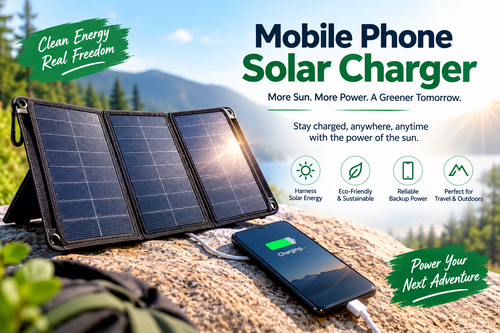
Mobile Phone Solar Charger: How It Works, Benefits & Why You Need One in 2026
As smartphones have become essential for communication, navigation, entertainment, and...

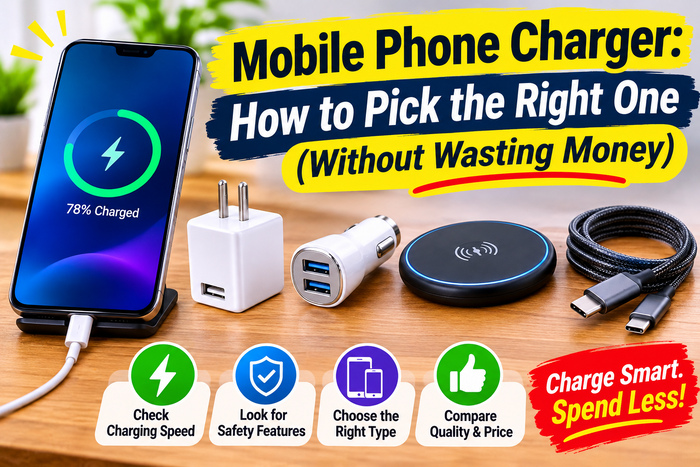
Here is a small confession from our support team: nearly half the "my phone is charging slowly" complaints are not about the phone at all. The problem is the charger, the cable, or the combination of both.
The humble mobile phone charger is the most used accessory you own. You plug it in every single day, yet most people buy one in a hurry at a shop counter and never think about it again. That is how phones end up charging at a crawl, getting hot overnight, or losing battery life faster than they should.
At iPowerUp Corporation, we deal with charging questions all day long. So here is a plain, practical guide to help you choose better, charge faster and keep your battery healthy.
What Does a Mobile Phone Charger Actually Do?
A lot of people believe the charger "charges" the battery. Technically, the real charging circuit sits inside your phone. What you plug into the wall is a power adapter that converts high-voltage AC power from the socket into low-voltage DC power your phone can handle.
The phone then talks to the adapter and decides how much power it wants. This is why a good charger is not only about the biggest number printed on it. It is about the right power, delivered safely, through the right cable.
The Main Types of Phone Chargers
Not all chargers are built for the same job. Here is a quick look at what is out there.
1. Standard Wall Charger
The classic plug-in adapter. Affordable, reliable and available everywhere.
2. Fast Charger
A fast charger pushes more power into your phone, so you reach a decent percentage in much less time.
3. USB-C Power Delivery (PD) Charger
USB-C PD is a universal standard used by iPhones, many Android phones, tablets and even laptops. One good PD charger can power several of your devices.
4. GaN Charger
GaN (gallium nitride) chargers are smaller and run cooler than older silicon ones, even at higher wattage. If you want a compact, travel-friendly USB-C charger that does not feel like a brick, GaN is worth a look.
5. Wireless Charger
Place your phone on a pad and it charges without a cable. It is convenient for a desk or bedside table, but it is generally slower and wastes more energy as heat compared with wired charging.
6. Car Charger
Plugs into the cigarette lighter socket. A must for long drives, navigation and ride-share drivers.
7. Multi-Port Charger
One adapter, several ports. Perfect for families, desks and travel, as long as the total wattage is shared sensibly between ports.
How to Choose the Right Mobile Phone Charger
This is the part that saves you money. Run through these checks before you buy.
Match the Wattage to Your Phone
More watts is not always better. Your phone will only draw what it is designed to accept.
A higher-wattage charger will not harm a lower-wattage phone. The phone simply takes what it needs.
Check the Charging Standard
Brands use different fast charging protocols, such as USB PD, PPS, Quick Charge and some proprietary ones. If the charger and the phone do not speak the same language, charging falls back to a slow default speed. When in doubt, a charger with USB PD and PPS support covers most modern devices.
Do Not Ignore the Cable
A powerful charger with a cheap, thin cable is like a fire hose attached to a drinking straw. For higher wattages, use a good quality, certified cable. Anything above 60W usually needs a cable rated for higher current.
Look for Safety Certifications
A proper charger will include protections against:
In India, look for BIS certification marks and sensible build quality. If the price looks too good to be true, the protection circuits are probably missing.
Think About Portability
If you travel often, a compact GaN or folding-pin charger saves bag space. If you work at a desk, a multi-port unit keeps the cable clutter down.
Original Charger vs Third-Party Charger
This question comes up constantly, so let us settle it.
The rule is simple. A reputable third-party charger is fine. A random no-name one is not worth the saving.
If you also want to know how portable backups fit into the picture, read our guide on how to choose the right power bank.
Fast Charging: Is It Bad for Your Battery?
Short answer: not if it is done properly.
Modern phones manage heat and current on their own. Fast charging pushes most of its power in the first part of the charge, then slows down when the battery is nearly full. That is a normal, built-in behavior.
What actually harms batteries is heat. Charging under a pillow, in a hot car, or with a cheap, poorly regulated adapter is far worse than any fast charger.
Common Phone Charging Mistakes
We see these constantly. Fix them and your battery will thank you.
Tips to Keep Your Phone Battery Healthy
These small habits add real months to your battery life.
Wired vs Wireless: Which Should You Pick?
Feature
Wired Charger
Wireless Charger
Speed
Faster
Slower in most cases
Convenience
Needs a cable
Just place and charge
Heat
Lower
Higher
Energy efficiency
Better
Lower
Best for
Daily and fast charging
Desk or bedside use
Our honest take: use wired for speed, wireless for convenience. Many people keep both.
Traveling With a Phone Charger
Frequent flyers and commuters should think a little differently.
Planning to go off-grid? Our article on the solar power charger explains how to stay powered when there is no socket in sight.
How to Spot a Fake or Low-Quality Charger
Before you buy, check for these warning signs:
For tips on caring for your accessories so they last longer, here is our guide on making your charger and cables last longer.
Why Choose iPowerUp Corporation?
We built our approach around a simple idea: charging gear should be safe, dependable and honestly described.
Browse our range of fast and reliable power solutions on the iPowerUp Corporation mobile phone charger page and find one that fits your phone and your routine.
Frequently Asked Questions
Can I use a higher-watt charger with my phone?
Yes. The phone controls how much power it draws, so a higher-wattage certified charger will not damage it.
Is it okay to charge my phone overnight?
Generally yes on modern phones, because they stop at full. Just avoid heat and use a quality charger.
Why is my phone charging slowly?
Common reasons include a weak adapter, a worn-out cable, a dirty port, or a mismatch in fast charging standards.
Is wireless charging bad for the battery?
Not bad, but it produces more heat, which can slowly affect battery health if used constantly.
How many watts do I need for fast charging?
Most people are well served by 20W to 33W. Check your phone's maximum supported wattage before paying for more.
Final Thoughts
A good mobile phone charger is one of the cheapest ways to protect an expensive device. Pick the right wattage, match the charging standard, use a decent cable and stay away from suspicious bargains. Do that, and your phone will charge faster, run cooler and last longer.
Ready to upgrade your charging setup? Head over to iPowerUp Corporation and find a charger you can trust, every single day.
As smartphones have become essential for communication, navigation, entertainment, and...
Choosing the right cell phone case feels simple until you...
Your smartphone is an essential part of everyday life, but...
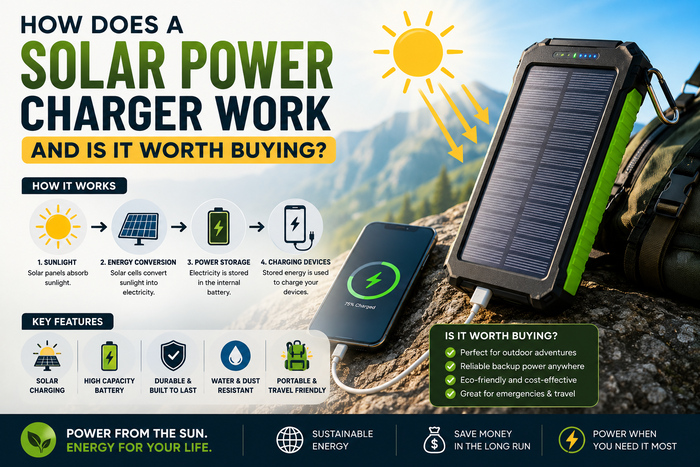
If you've ever searched for a way to charge your...
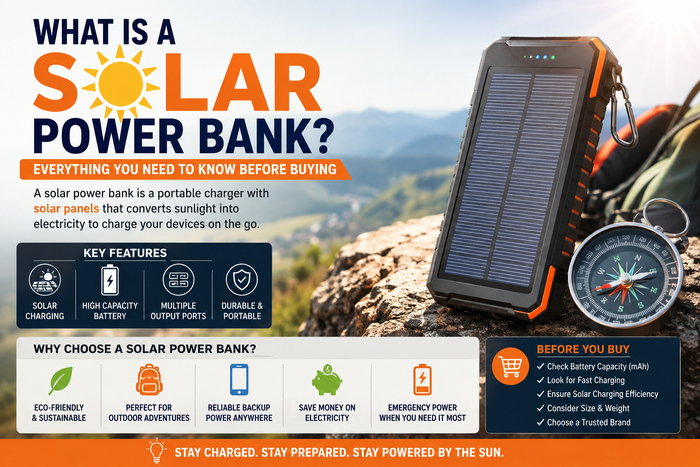
Imagine you are halfway through a hike, your phone is...
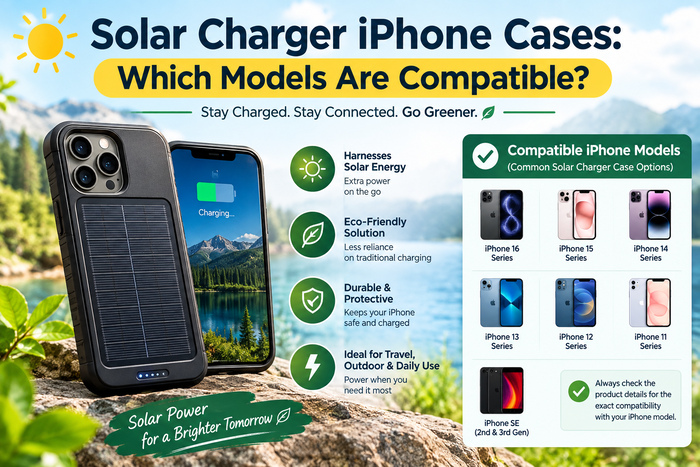
If you've decided to try a solar charger case for...
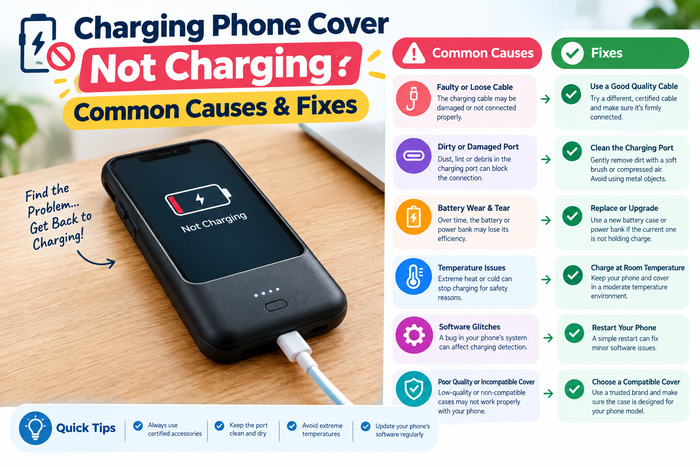
You slip your phone into its charging phone cover, press...
Your phone is your map, camera, boarding pass and translator...
Your phone is at 12%, you are far from an...
A solar power bank sounds like the perfect gadget. It...
Here is a small confession from our support team: nearly...

It's important to ascertain the identity of the owner(s) and...

A Corporate Lawyer can be engaged to deal with issues...

Looking for a professional web development agency to build or...

Enjoy comfort and flexibility with self-drive car rental at Dubai...