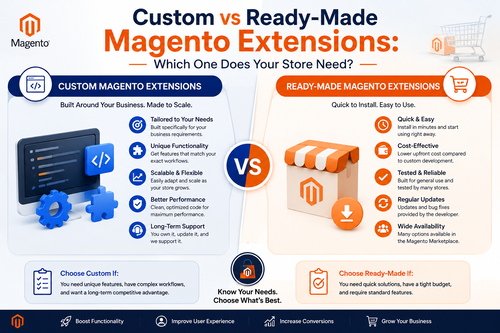
Custom vs Ready-Made Magento Extensions: Which One Does Your Store Need?
At some point, almost every Magento store owner hits the...

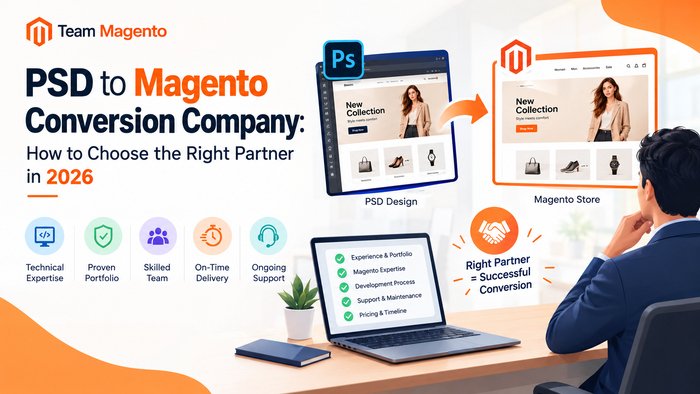
Your designer has delivered a beautiful storefront. The homepage looks sharp, the product pages feel premium, and the checkout flow is clean. Now someone has to turn that PSD file into a working Magento store, and this is where many eCommerce projects go wrong.
A design that looks perfect in Photoshop can fall apart in the browser. Spacing shifts, fonts change, mobile layouts break, and the site loads slowly. A reliable PSD to Magento conversion company prevents all of this. It protects your design, keeps the store fast, and builds a theme that stays stable through future Magento upgrades.
This guide explains what PSD to Magento conversion is, how the process works, what affects cost and timeline, and how to pick the right partner for your business.
What Is PSD to Magento Conversion?
PSD to Magento conversion is the process of turning a Photoshop design into a fully functional Magento theme. A Magento frontend developer breaks the design into assets, writes clean HTML5, CSS3 and JavaScript, and integrates everything into Magento’s theme structure: layouts, templates, blocks and UI components.
The end result is a custom Magento theme that:
Many designers now work in Figma or Sketch instead of Photoshop. A good partner handles Figma to Magento conversion with the same process, so the file format should never be a blocker.
Why a Custom Magento Theme Beats a Ready-Made One
Pre-built themes are quick and cheap, but they come with limits:
A custom PSD to Magento 2 theme conversion gives you control over design, speed and user experience. This matters most in design-led industries like fashion, furniture, beauty and home decor, where the storefront is the brand.
The PSD to Magento Conversion Process, Step by Step
A professional PSD to Magento theme development workflow usually follows these stages.
1. Design review. Developers check layers, fonts, grids, spacing and any responsive designs. Missing mobile layouts are flagged here, not after launch.
2. Slicing and asset optimization. Images, icons and fonts are exported and compressed for fast loading.
3. HTML and CSS markup. Developers write semantic, standards-compliant code for every template: home, category, product, cart, checkout, account and CMS pages.
4. Responsive, mobile-first build. The layout is built to work on small screens first, then scaled up.
5. Magento theme integration. The markup is converted into a Magento 2 child theme using layout XML, PHTML templates and LESS/CSS, without touching core files.
6. Functionality and extension testing. Search, filters, mini-cart, wishlist, checkout and third-party modules are all tested with the new theme.
7. Cross-browser and device QA. The store is tested on Chrome, Safari, Firefox, Edge, and real mobile devices.
8. Performance optimization. Image handling, JavaScript, CSS and caching are tuned to support strong Core Web Vitals.
9. Launch and support. The theme goes live, followed by bug fixing and post-launch support.
If a company can’t explain its process this clearly, that’s a warning sign.
What a Quality Conversion Should Include
Before signing anything, confirm that your PSD to Magento conversion service covers:
8 Things to Check Before Hiring a PSD to Magento Conversion Company
1. Real Magento 2 experience
A general web design agency is not the same as a Magento specialist. Magento has its own theme architecture, and mistakes here create expensive problems later. Ask how many Magento 2 theme projects the team has completed.
2. A portfolio of live stores
Don’t settle for screenshots. Open their live client stores on your phone. Check load speed, menu behavior, product pages and checkout.
3. Modern frontend skills
Depending on your roadmap, you may want Luma-based themes, Hyvä, a React or Vue.js frontend, or a headless PWA. Ask what the team has actually built, not just what they list.
4. A clear pixel-perfect commitment
Ask how the company compares the final build against your design and how many revision rounds are included.
5. Transparent communication
Look for a dedicated project manager, defined milestones and regular reporting. Silence during a project is a bad sign.
6. Performance and SEO awareness
A beautiful store that loads slowly loses sales and rankings. Your partner should talk about Core Web Vitals, clean code and image optimization without being prompted.
7. A written scope, price and timeline
Get everything in writing: number of templates, revisions, included extensions and delivery dates. Vague quotes lead to disputes.
8. Post-launch support
Real-world bugs show up after launch. Make sure bug fixing and maintenance are either included or clearly priced.
What Affects the Cost of PSD to Magento Conversion?
There is no single price, because every design is different. These factors shape your quote:
The best way to get an accurate number is to share your design files and requirements, then request a detailed quote.
How Long Does a PSD to Magento Conversion Take?
Timelines depend on scope, but as a rough guide:
Delays usually come from incomplete designs, late feedback and scope changes, not development itself. Sharing complete design files, including mobile views, upfront saves the most time.
Who Needs a PSD to Magento Conversion Company?
Common Mistakes to Avoid
Why Choose Team Magento?
Team Magento is a certified Magento development company working with clients across India, the UK, the USA and Australia. Here is what you can expect when you work with us:
Want proof? Take a look at our portfolio of live Magento stores. If you’d rather add dedicated resources to your team, you can also hire a Magento developer.
Frequently Asked Questions
Q1. What does a PSD to Magento conversion company do?
It turns your PSD or Figma design into a fully functional, responsive Magento theme, including template development, integration, testing and launch support.
Q2. Can you convert PSD to Magento 2?
Yes. Magento 2 is the standard choice today for better performance, security and long-term support.
Q3. Do I need a complete PSD file to start?
A complete design, including mobile views, gives the most accurate quote and timeline. If you only have a rough concept, many companies can design it first and then convert it.
Q4. Is a converted Magento theme SEO-friendly?
It can be, when developers use clean semantic code, proper heading structure, optimized images and fast loading. Confirm this with your provider before you hire.
Q5. Can agencies outsource PSD to Magento projects?
Yes. Agencies often work with white-label partners who build the theme under the agency’s brand while the agency manages the client relationship.
Q6. What if I have a Figma file instead of a PSD?
That works fine. Figma, Sketch and Adobe XD files can all be converted into Magento themes using the same process.
Q7. Will the conversion affect my existing store data?
A theme conversion changes how your store looks, not your products or customer data. If you’re migrating platforms, that is a separate data migration step.
Final Thoughts
Choosing a PSD to Magento conversion company is a business decision, not just a technical one. The right partner delivers a store that matches your brand, loads fast, works on every device and grows with you. The wrong one leaves you with a broken layout and a long list of fixes.
Take your time, check portfolios, ask hard questions about process and performance, and get everything in writing.
Ready to turn your design into a high-performing Magento store?
???? Request a free quote from Team Magento and let’s build it pixel-perfect.
At some point, almost every Magento store owner hits the...
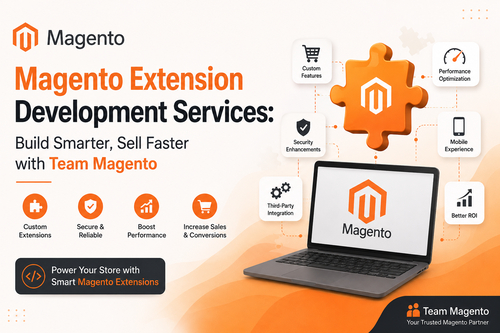
Why Your Magento Store Needs Custom ExtensionsOut-of-the-box Magento is powerful,...

Looking for a reliable Magento Mobile App Development Company to...
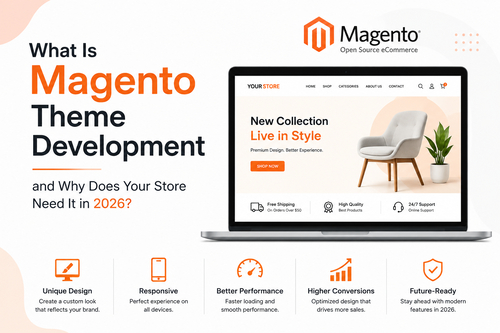
If you’re running an online store and searching for ways...
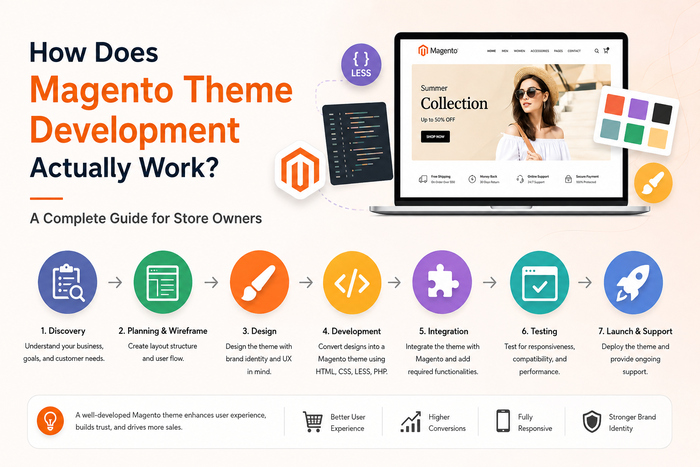
Most people searching for "Magento theme development" aren't just looking...
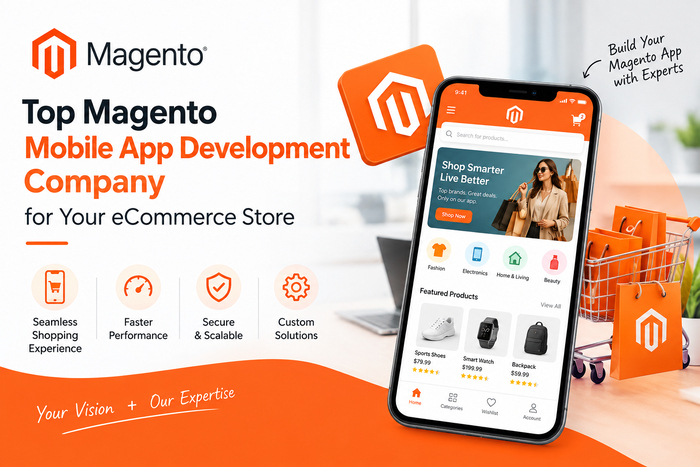
If you're running a Magento store today, you already know...
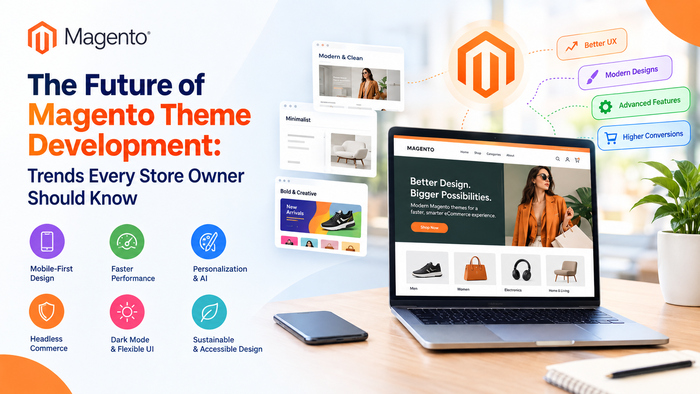
Online shopping doesn't look the same as it did even...

Looking for a reliable Magento Theme Development Company for your...
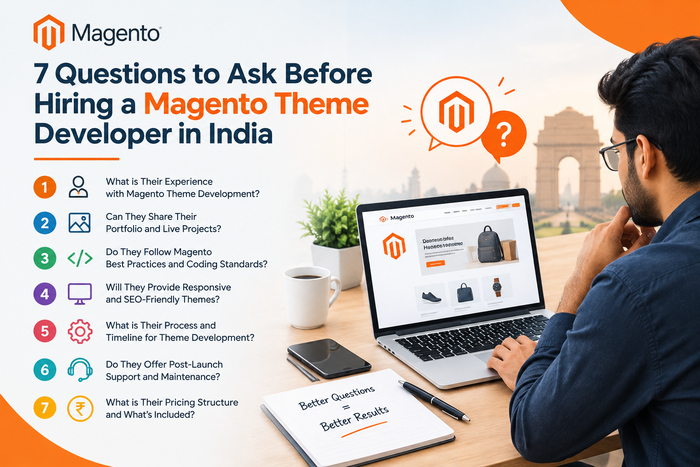
Your store's theme is the first thing a customer judges....
Your designer has delivered a beautiful storefront. The homepage looks...
MSME Dispute Resolution is useful when your business has issues...

In today's loan market, borrowing money is not difficult. These...

The Writer is a website that provides valuable information, practical...

Data Analyst Training in Delhi for Automated Business Reporting Careers...